The Best Two-Player Browser Games to Play on One Keyboard
How to pick a local two-player browser game, what makes pass-and-play work, and the games on Rovixel that are actually built for two people.
By Rovixel Team · Published · Updated
Some of the best multiplayer sessions happen on a single couch, on a single laptop, with two people who cannot agree on who has the better reflexes. Browser games are perfect for that: no installs, no accounts, no waiting for a download bar. But not every game that says “2 player” is actually good with two people in the room, so it is worth knowing what to look for before you hand over half the keyboard.
What makes a local multiplayer game work
Three things separate a game built for two people from a game that merely has a second player option.
Fair controls. One player on WASD and the other on the arrow keys is fine. A game that gives one side a single button and the other a whole fighting-game layout is not. If you have to explain a control scheme for more than thirty seconds, the game has already lost the room.
Short rounds. Losing is only fun when it is cheap. A round that lasts a minute means the loser gets another go immediately, and the argument about who is better never has time to settle.
No lobby, no account, no tutorial. The point of playing in a browser is that somebody says “let’s play this” and the game is already running. Anything that asks for a sign-up has broken the moment.
Pass-and-play: the most underrated format
Not every two-player game needs two sets of controls. Turn-based games — board games, puzzles, card games — work perfectly well with one device being handed back and forth, and they have a huge advantage: nobody can see the other player’s screen.
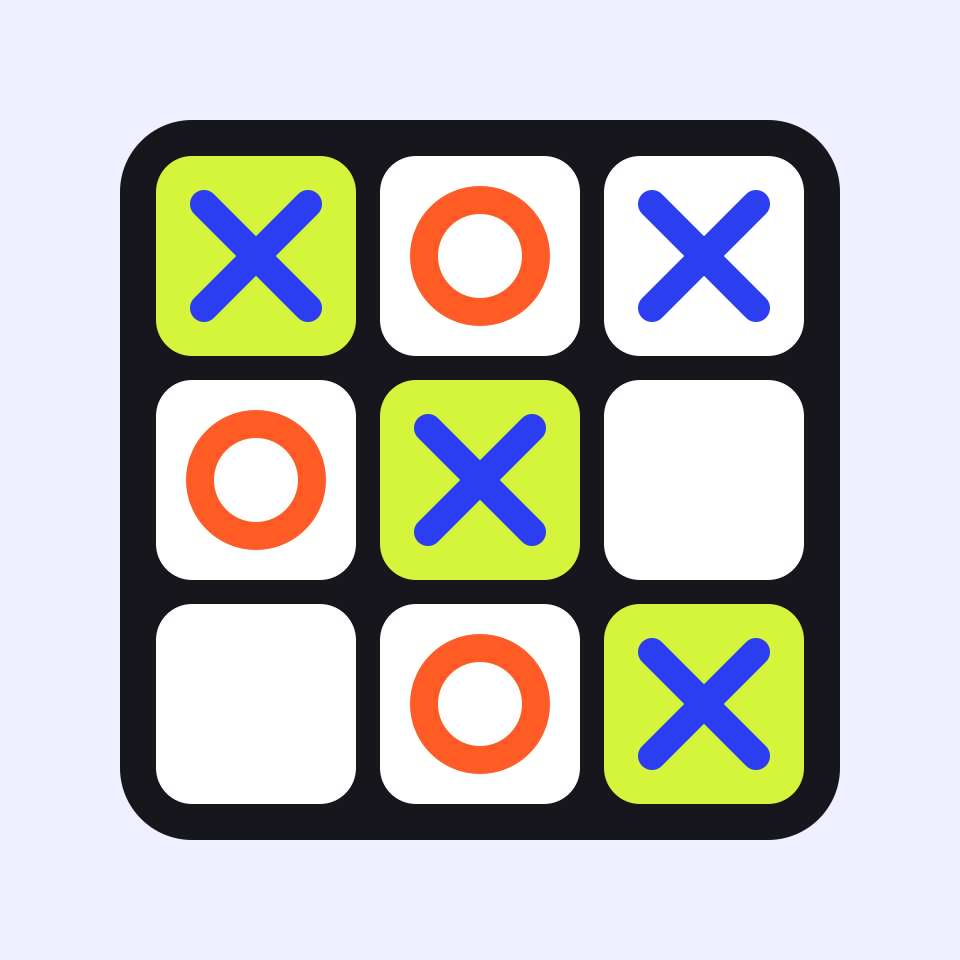
Tic Tac Toe is the cleanest example on this site. Pick 2 Players and take turns on one screen with taps, clicks or the keyboard; the scoreboard keeps count of wins and draws between rounds. Because the board is small and rounds are seconds long, it works as a warm-up, a tie-breaker, or the thing you play while waiting for everyone else to arrive. Read how to actually win at tic tac toe if you want the strategy rather than the rules.
Same-keyboard games: the classic
The classic local multiplayer setup is two people on one keyboard, shoulders touching, blaming the hardware. It works best when the game is slow enough to read and fast enough to be funny.
Football Pinball is a good example of the format done well. It is a pinball table shaped like a football pitch: your flippers are your defence, the ball draining between them is a goal against you, and ninety seconds later somebody has won. One player takes the left half of the keyboard and one takes the right, or two people share a tablet and use a half of the screen each. A match is short, the rules are obvious from the first rally, and the scoreline keeps it tense until the last shot.
When you are not in the same room
Sometimes “two player” means two people in two places. That is a different design problem: the game needs a server, a way to find an opponent, and a reason to keep playing after the first match.
Online KitPvP 50vs50 is the team-scale version of that idea — you choose a kit, join a large arena battle, and play a role inside a crowd. It is not the game to choose if you want a quiet one-on-one, but it is the right answer when you and a friend both want to be on the same side.
How to judge a two-player game before you commit
- Check the control scheme first. If both players’ inputs are not described, assume it is single-player with a second player bolted on.
- Prefershort rounds. Two minutes per match keeps everybody playing; ten minutes per match means one person watches.
- Look for a clear win condition. “Highest score” works. “Most progress” does not.
- Try it alone once. If a game is fun solo, it is usually fun with two people as well.
The shortlist
| Game | Format | Best for |
|---|---|---|
| Tic Tac Toe | Pass-and-play, 2 players (or vs computer) | A quick round while you wait |
| Bomber Friends 2 Player | One keyboard: WASD + Space vs arrows + Enter | A duel decided by territory, not reflexes |
| Ragdoll Arena 2 Player | One keyboard: WASD + G vs arrows + P | Five minutes of physics chaos |
| Obby Rainbow Parkour Two Player | Split screen, 7 stages, race or time trial | A longer climb with a rival |
| Wheelie Bike For 2 Players | One keyboard or one shared touchscreen | A balance contest that works on a phone |
| Red and Blue Stickman Rope | Co-op on one keyboard or one tablet | Working together instead of against each other |
| Break Bricks 2 Player | One keyboard: A/D vs left and right arrows | Keeping one rally alive together |
| Math Duel - 2 Players | One keyboard: A, S, D vs J, K, L | Winning on arithmetic rather than reaction time |
| Red Hands - 2 Players | One keyboard: WASD vs arrow keys | Short, loud reaction rounds |
| Carrom 2 Player | Turn-based, mouse | A quiet, thoughtful match |
| Football Pinball | Shared keyboard or split tablet | Ninety seconds of shouting |
| Online KitPvP 50vs50 | Online team battles | Playing together against other people |
If you want more options, the 2 player and multiplayer category collects everything on the site that is built for more than one person at a time, and the 2 Player tag page filters it down to the games that put two people on one screen. The new games page is where the next one will appear.