2 Player & Multiplayer Games
The best two-player browser games are the ones you can start in seconds: pass one device between two players, or share a keyboard with a friend on the same couch. No lobbies, no accounts, no waiting for a matchmaking queue. That is what this category is for — and it is now the biggest collection on the site, because local two-player games are the ones people actually search for.
How local two-player controls work
Almost every game here splits one keyboard down the middle. Player 1 takes WASD, Player 2 takes the arrow keys, and anything else — shoot, jump, place a bomb — sits next to each player’s movement keys. Common pairs:
| Game | Player 1 | Player 2 |
|---|---|---|
| Bomber Friends 2 Player | WASD + Space | Arrows + Enter |
| Ragdoll Arena 2 Player | WASD + G | Arrows + P |
| Obby Rainbow Parkour Two Player | WASD + Space, Shift, Q | Arrows + L, Shift, comma |
| Break Bricks 2 Player | A and D | Left and right arrows |
| Math Duel - 2 Players | A, S, D | J, K, L |
Every game page spells out both players’ keys, so nobody has to guess who gets which side.
Playing on a shared phone or tablet
Some two-player games here do not need a keyboard at all. Wheelie Bike For 2 Players gives each rider one side of the touchscreen, 2 Player Mini Challenge is a portrait game built for one phone, and Red and Blue Stickman Rope ships touch controls for a shared tablet. Turn-based games such as Tic Tac Toe and Carrom 2 Player work on any device, because the two players simply take turns.
Which one should you play?
- Five minutes, competitive: Ragdoll Arena 2 Player or Red Hands - 2 Players — short rounds, instant rematches.
- Thinking rather than reacting: Bomber Friends 2 Player or Math Duel - 2 Players.
- Co-operation instead of a duel: Red and Blue Stickman Rope and Break Bricks 2 Player — one rope, or one ball, between the two of you.
- A longer climb: Obby Rainbow Parkour Two Player — seven stages, race or time trial.
If you want the full list filtered to exactly two players, the 2 Player tag page collects them, and the guide The Best Two-Player Browser Games to Play on One Keyboard explains what separates a good split-keyboard game from a bad one.
-
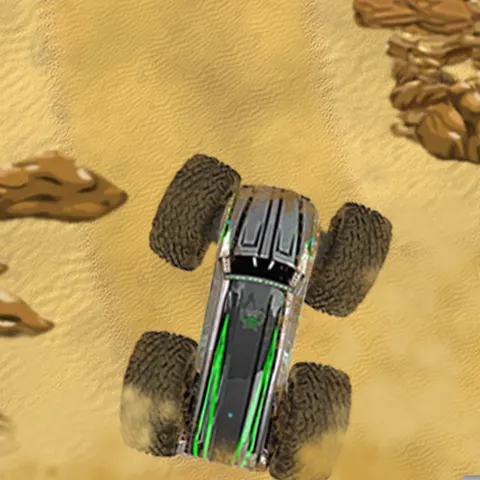 Monster Truck 2 Players
 -
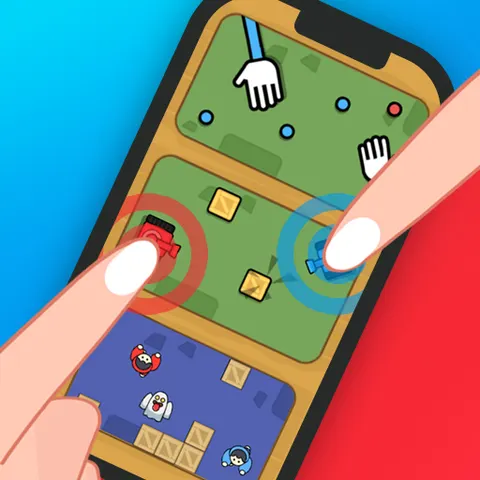 2 Player Mini Challenge
 -
 Red Hands - 2 Players
 -
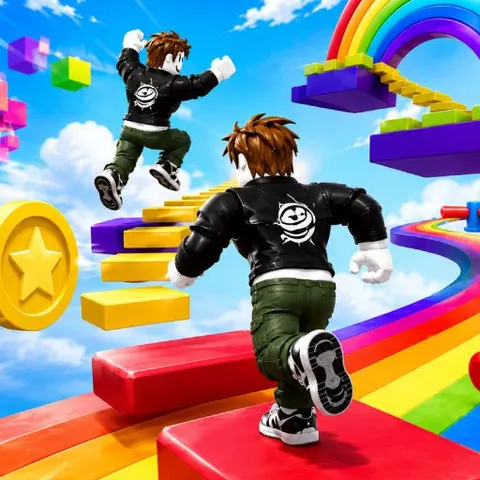 Obby Rainbow Parkour Two Player
 -
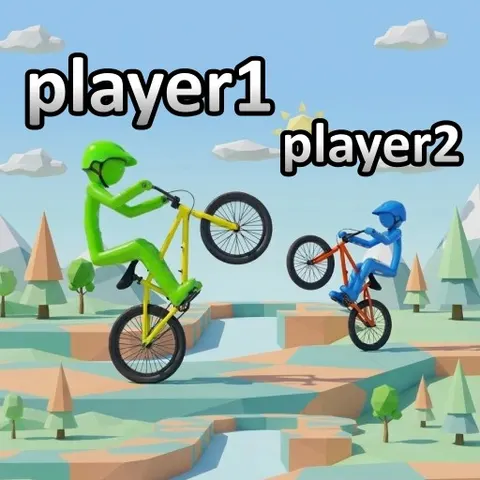 Wheelie Bike For 2 Players
 -
 Break Bricks 2 Player
 -
 Math Duel - 2 Players
 -
 2 Player Tank Battle
 -
 Bomber Friends 2 Player
 -
 Ragdoll Arena 2 Player
 -
 4 Games For 2 Players
 -
 Carrom 2 Player
 -
 Red and Blue Stickman Rope
 -
 Tic Tac Toe
 -
 Online KitPvP : 50vs50
Showing 15 of 15 2 player & multiplayer games